How to Use an Ad Spy Service for Ad Analysis
 XSPY.CLOUD
Hello everyone! This is a user guide for using the spy service. Here you can learn how to properly work with filters, how to find relevant bundles, and in general discover the capabilities of the service.
Full functionality:
Facebook Ads / TikTok Ads.
Filters: by domain, UTM tags, photo/video, apps, vertical, domain zones, period.
Smart recommendations and search.
Translation of creative descriptions and video transcription.
18+ content filtering.
Apps tab with filtering: genre, rating, platform.
Favorite ads.
Team access for up to 10 people.
Now let's go through each point:
Domain filter: accepts a domain.com value, searches the database for that domain, and returns a list of ads placed on it.
UTM filter: supports input format separated by commas: utm_source={{site_source_name}}, utm_medium={{placement}}, utm_campaign={{campaign.name}}.
Vertical filter: for each vertical we have our own dictionaries of keywords used to parse ads. When an option like "Nutra" is selected, all ads parsed using the "Nutra" dictionary are displayed, but the results will also include many other ads not related to this category. We filter these out using the "Cheap domain zones" filter.
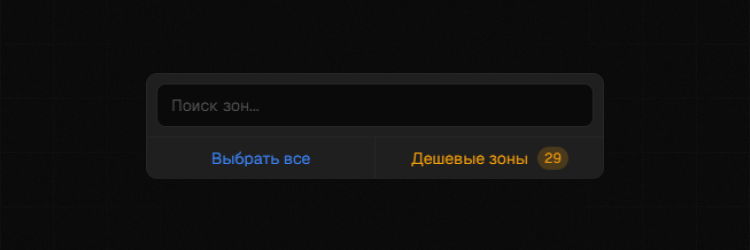
Domain zone filter: allows displaying ads only with a specific domain zone like .top, .pro, and so on.
Smart recommendations and search
Smart search: this search has several advantages over regular implementation; it understands the context of your query and the context of ads in the database, allowing it to find the necessary ads.
Simple example with query: car sale
Regular search: searches for ads by exact keyword match, often showing ads that do not match our query.
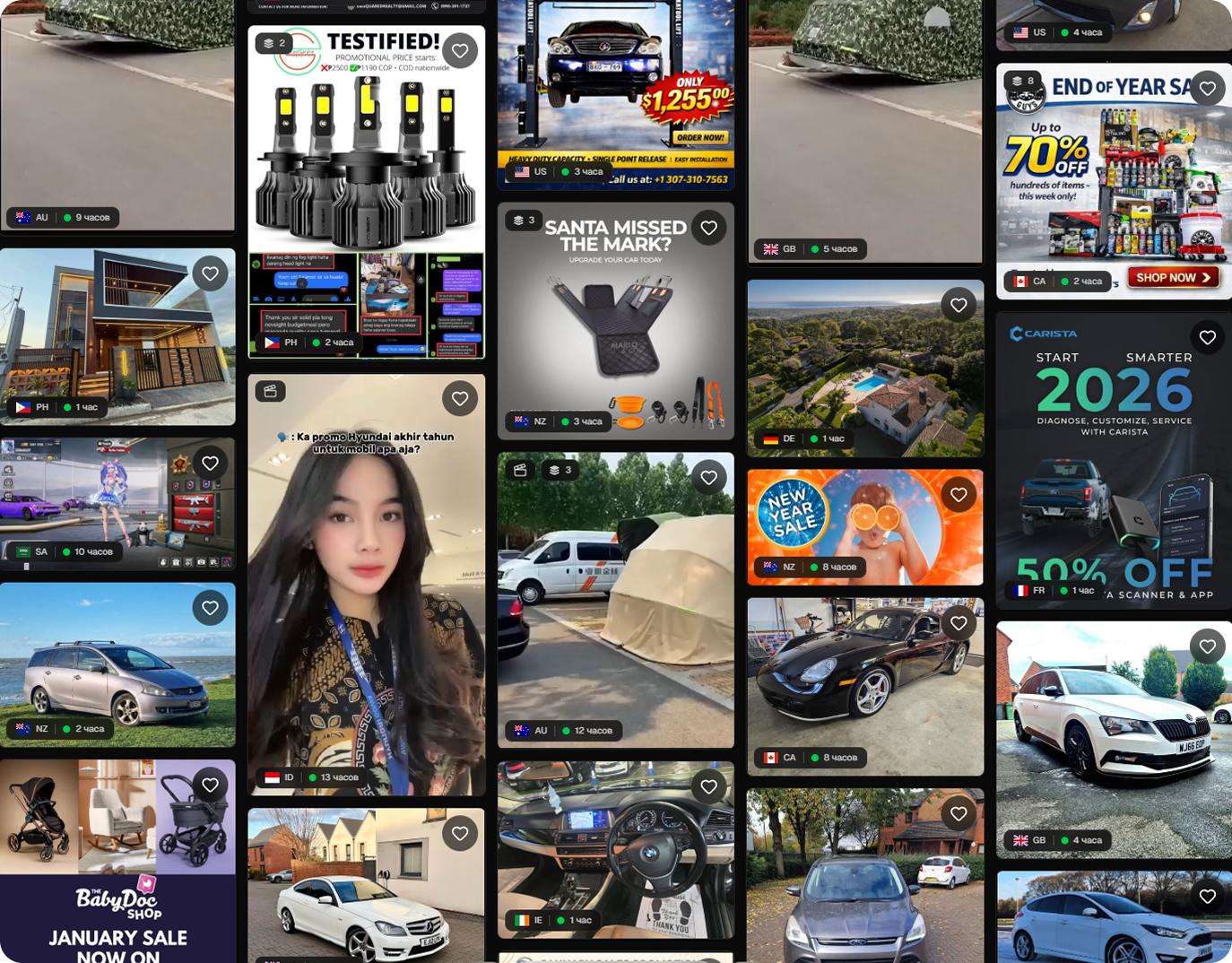
Smart search: understands that we are looking for cars for sale, analyzes the context of ads, and provides relevant results.
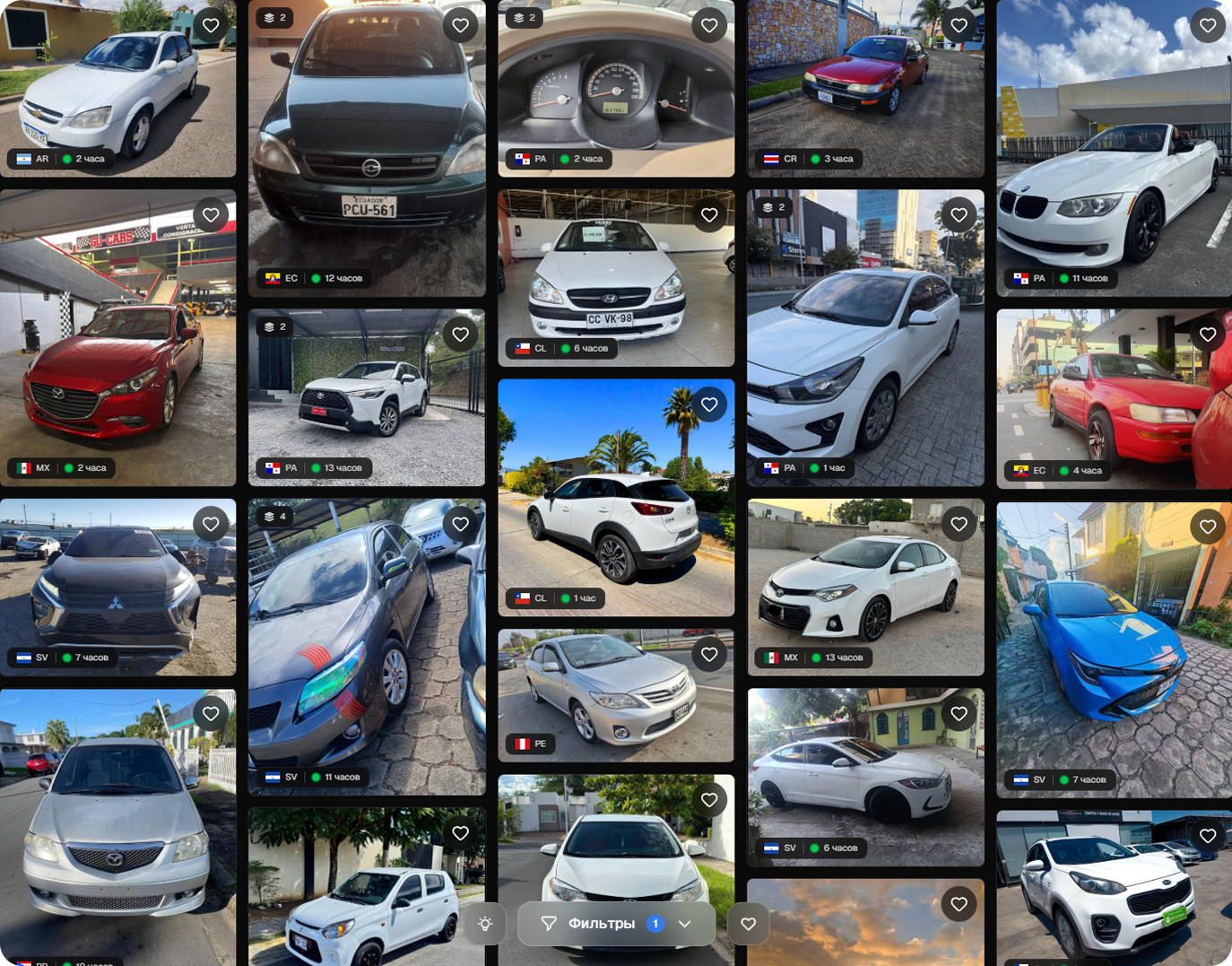
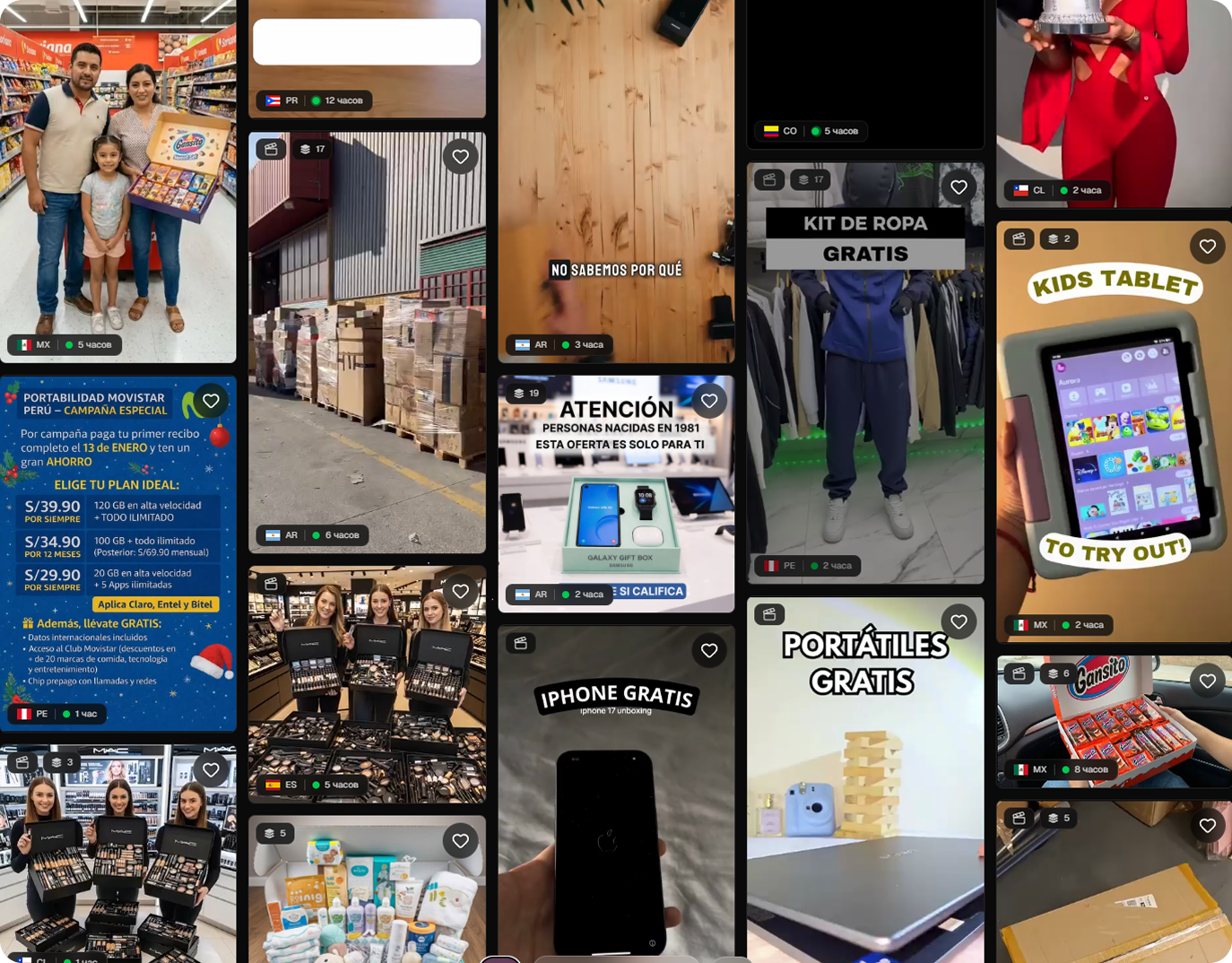
Smart recommendations: the system analyzes your liked ads and finds similar ones based on context.

Example: I liked the sweepstakes vertical, here are my recommendations:
Translation of descriptions and video transcription
Translation of descriptions: translates the description into the language you selected for the site localization.
Video transcription: analyzes the audio track of the video and extracts text from it, very convenient for copying a bundle and re-voicing.
18+ content blocking
Currently works only for photo creatives, as video is very difficult and time-consuming to process. Blocks 18+ content based on nudity indicators. It does not work perfectly, but in 80% of cases it detects prohibited content.

Apps tab
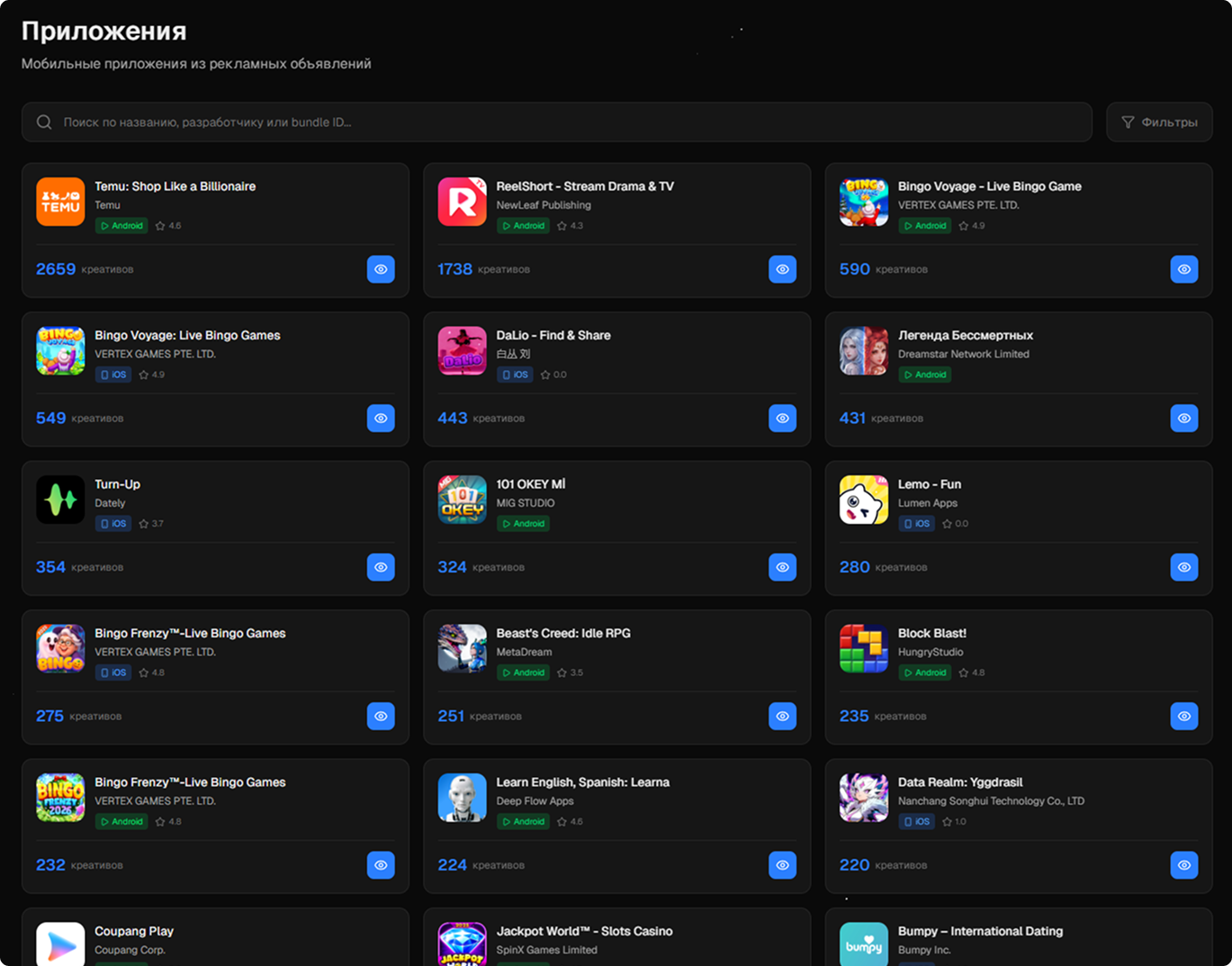
Useful for mobile app developers and gambling, allows tracking the number of ad campaigns launched for a specific app and viewing ads for analysis.
Team access
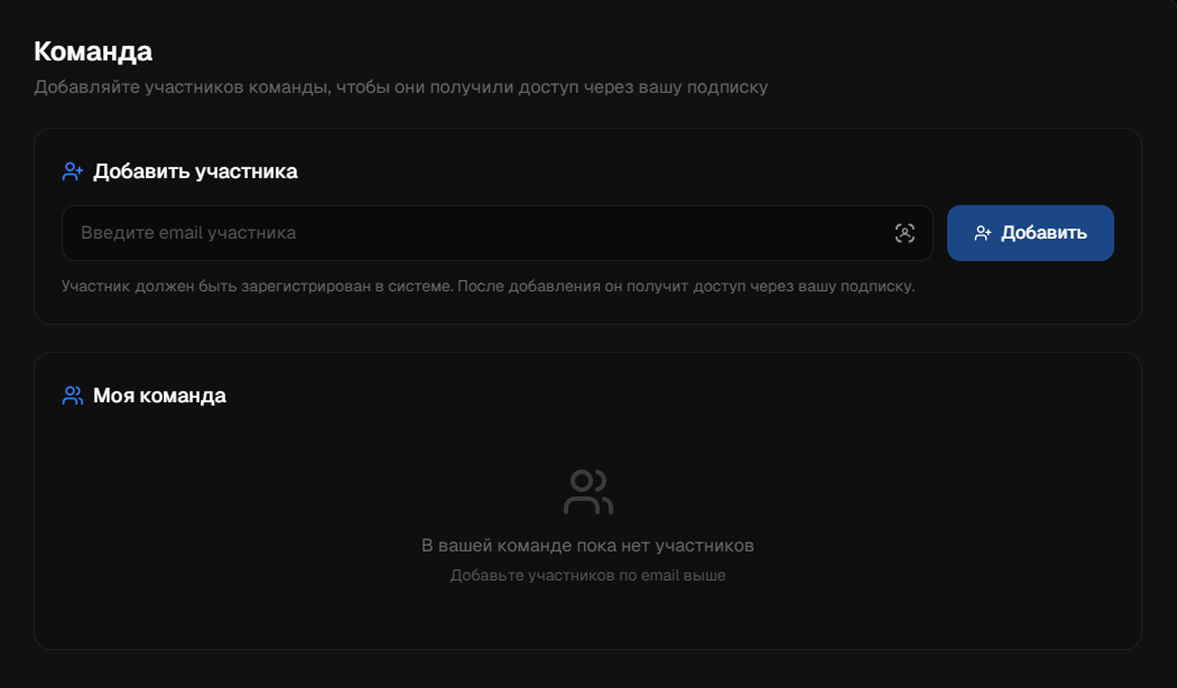
Allows you to grant access to the service to your team member. To do this, go to the team tab and enter your team member's email. It is important that they are already registered in our service, otherwise access will not be granted. The maximum number of participants is 10 people.